Download Snapr
Snapr Free: no card, no account, free forever.
Snapr for Windows
Bought Snapr Pro? Pro is a separate download. Use the Download Snapr Pro button in your license email. Can't find it? Ask support.
Install in a minute
- Run snapr-setup.exe. No admin rights needed — it installs just for you.
- Tick Start Snapr when Windows starts if you'd like it always ready.
- Press Shift + PrtSc. That's it.
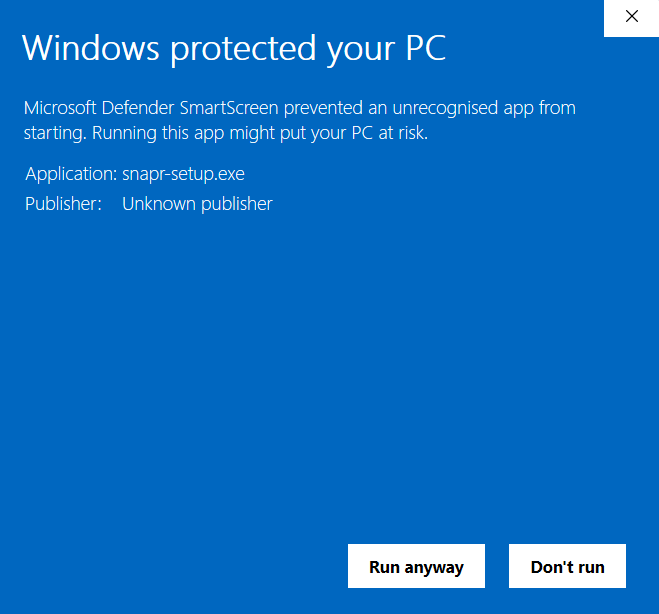
Seeing a “Windows protected your PC” message?
That's normal for a new app. Windows hasn't seen many people install Snapr yet. Click More info, then Run anyway.
System requirements
- Windows 10 version 2004 or newer, or Windows 11 (64-bit)
- ~60 MB disk space, 4 GB RAM recommended for recording
- Optional: a webcam and microphone for recordings
Uninstall
Settings → Apps → Installed apps → Snapr → Uninstall. Your captures in Pictures\Snapr are kept.
Looking for older versions or what's new? See the changelog. Need help? Visit the help center.